
Security cameras
Cameras only help if they cover the right spots and the video is there when you need it. PLC Secured plans coverage, installs the system and sets up remote viewing.
Email info@plcsecured.ca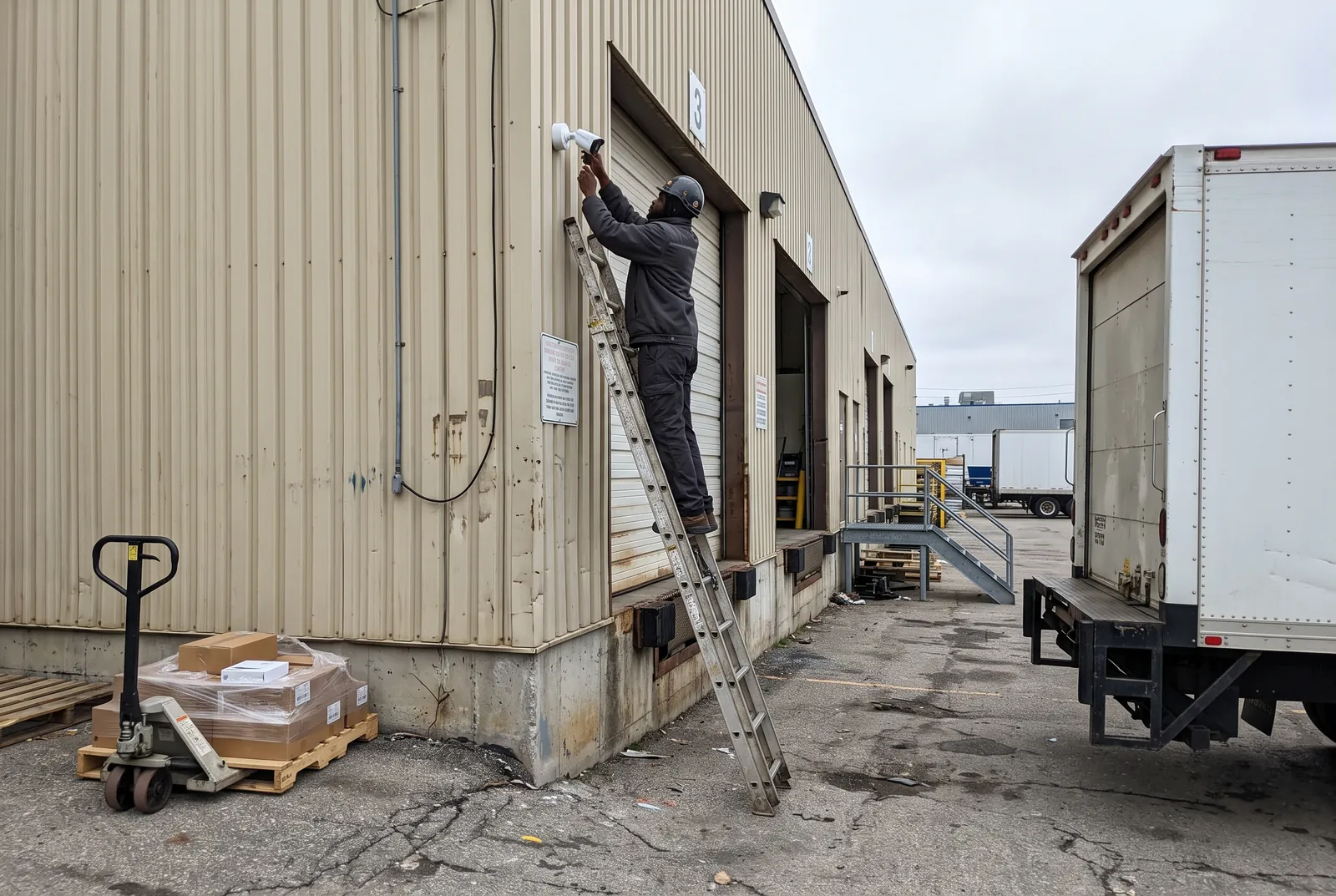
Services
Stores, offices, condos, construction sites, dealerships and warehouses, inside and out.
Site survey and camera plan
A site visit reviews camera positions, entrances, parking lots, loading areas and changes in lighting throughout the day.
Install and cabling
Installation includes cabling, camera mounting and recorder setup, with labelled cable runs.
Recording and phone viewing
Recording settings, playback testing and app setup help managers view live or recorded video and save clips.
Upgrades to existing systems
Already have cameras? PLC Secured can assess a system installed by another provider, replace failing components and retain working equipment.
At handover
- A floor plan showing every camera and what it covers.
- The recorder and app logins, set up in your name.
- A walkthrough on finding, saving and sharing a clip.
After the install
Maintenance plans
Scheduled visits to clean lenses, check angles, update firmware and confirm everything is recording.
Remote support
Many problems, settings changes and new app users can be handled without a site visit.
Upgrades
Add cameras, extend storage or replace older cameras as your site changes.
Common questions
Can I see the cameras on my phone?
Yes. App setup includes the selected users and guidance on finding and saving clips.
How long is video kept?
It depends on the number of cameras, the quality setting and the size of the recorder. Storage is sized around the required retention period.
Can existing cameras be retained?
Often, yes. A site visit can establish what equipment is worth retaining.
Often done together
Start with your site
Discuss the coverage
your site needs.
Share the location, operating hours and concerns you want addressed.