
Business networks
PLC Secured installs and supports business cabling, network equipment and Wi-Fi, with separate networks for staff, guests and cameras.
Email info@plcsecured.ca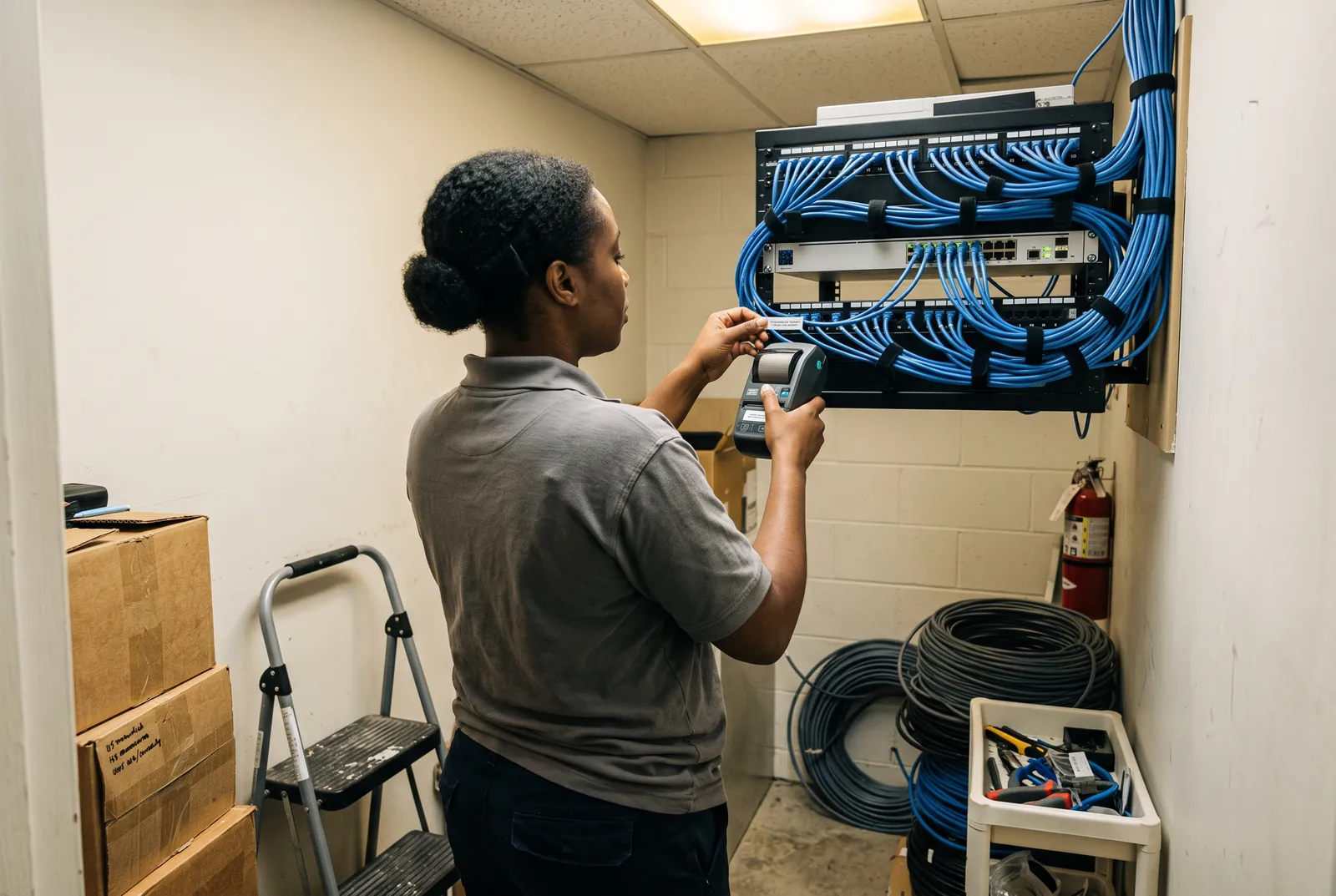
Services
New offices, renovations and networks that have grown messy over the years.
Structured cabling
Cat6 runs to desks, cameras, door readers and Wi-Fi access points, terminated, tested and labeled at both ends.
Racks and patch panels
Wall-mounted or floor racks, patch panels and cable management, so anyone can tell what plugs into what.
Switches and Wi-Fi
Business switches and access points placed for coverage across the whole space, not just near the front desk.
Firewall, router and separate networks
Firewall and router configuration separates traffic for staff, guests and cameras.
Documentation
A map of every network drop, labels that match it, and the admin details for your equipment, handed over to you.
Upgrades to existing networks
Existing networks can be assessed for cabling improvements, equipment replacement and configuration changes.
At handover
- Every drop tested and labeled, with a map to match.
- Equipment logins in your name, not ours.
- Separate networks for staff, guests and cameras, with the Wi-Fi names and passwords written down.
After the install
Maintenance plans
Scheduled firmware updates and health checks on your firewall, switches and Wi-Fi.
Remote support
Many network problems and settings changes can be handled without a site visit.
Upgrades
More drops, more coverage or faster equipment as your business grows.
Common questions
Can you work in an office that's open?
Yes. Cable runs and planned downtime can be discussed around operating hours.
Do you install the internet connection?
Your internet provider brings in the line. PLC Secured handles the firewall, internal network and connected equipment.
Why separate networks for cameras and guests?
If a guest's laptop or a camera is compromised, it can't reach your staff computers or files. It also keeps guest traffic from slowing down your work.
Often done together
Start with your site
Discuss the coverage
your site needs.
Share the location, operating hours and concerns you want addressed.