
Blog, updated October 2026
Keeping business data safe and quick to reach
Your business data probably lives in more places than you think: email, shared drives, accounting software, the point-of-sale system, phones, even the camera recorder. Keeping it safe and keeping it easy to reach are the same job done well.
Know where your data lives
Start with a simple list: each place you store information, what's in it and who can reach it. Most businesses find at least one surprise, like an old shared folder that's open to everyone or a former employee who can still log in.
Give people the access they need, and no more
Set up access by role. The front desk doesn't need payroll, and a contractor doesn't need the whole drive. In Microsoft 365 or Google Workspace, check the sharing settings too. A file shared with "anyone with the link" can be opened by anyone who gets hold of that link.
Protect laptops and phones
Turn on disk encryption (BitLocker on Windows, FileVault on a Mac) and require a passcode on every phone that gets work email. A lost laptop is then an equipment cost, not a data breach.
Back up properly
A common rule of thumb is 3-2-1: three copies of your data, on two different kinds of storage, with one copy away from the office. Ransomware often goes after backups too, so keep at least one copy that can't be changed or deleted from the office network. Then test a restore.
Slow files are usually a network problem
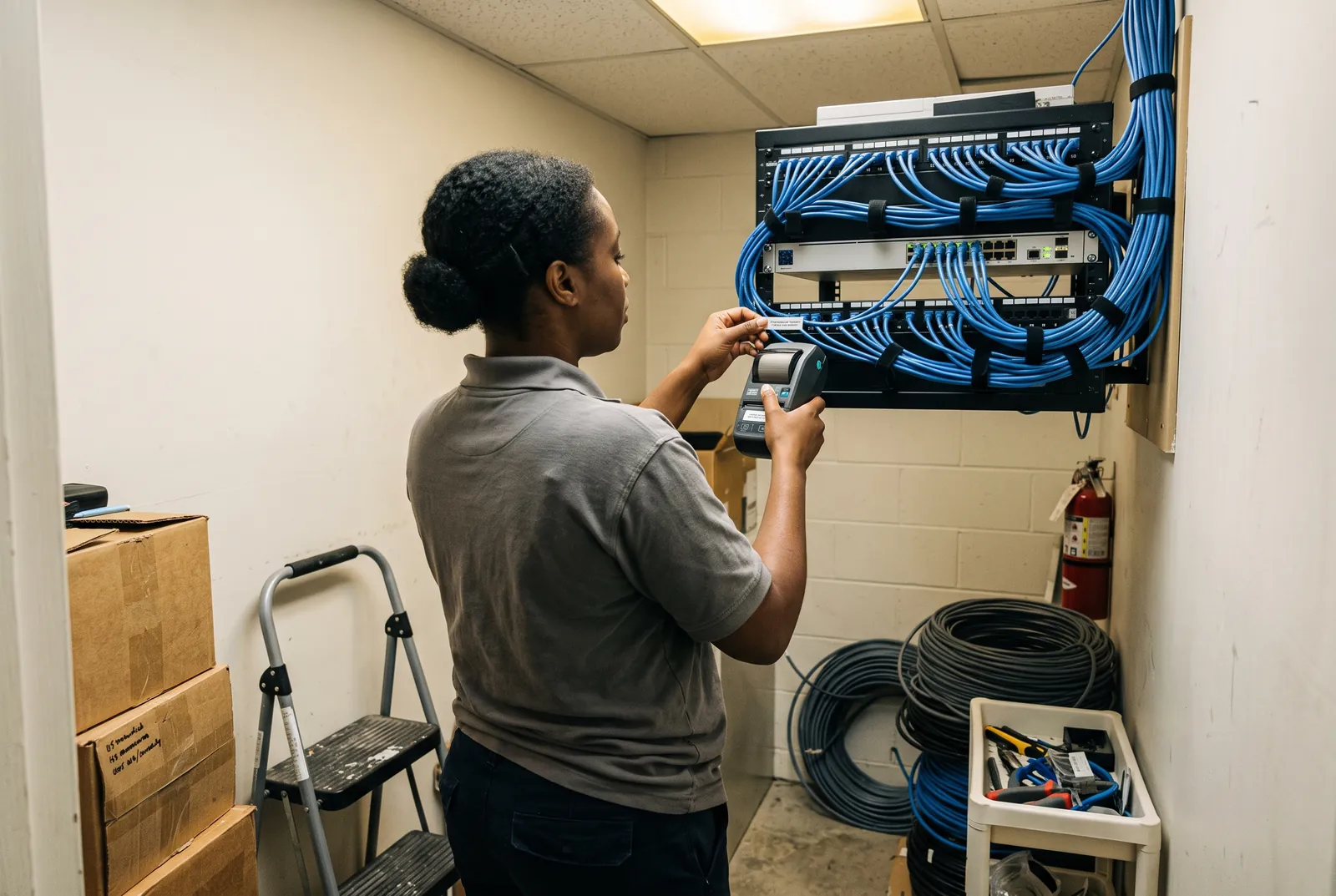
When files are slow to open or video calls stutter, the cause is usually the network: weak Wi-Fi coverage, an old switch, or cameras and guests sharing the same connection as staff. Good cabling, well-placed access points and separate networks fix most of it.
Watch for warning signs
Sign-in alerts from Microsoft or Google, a backup that failed last night, a camera recorder that's out of space. Someone should own these alerts and act on them.
Where we come in
We set up and test backups, secure Microsoft 365 and Google Workspace, and build networks that keep staff, guests and cameras apart.